How to add product reviews on shopify?

Hii, i hope you guys are well ,if you are running shopify store you know reviews play a vital role for a product if we buy anythings form  amazon , flipkart or any online store first we see the rating of that product then we buy it, if ratings are bad we change our mind and buy form other platform so if you run your store  and you confuse how to add reviews on your product so don’t worry you are in right place, 
In this article we know how to add reviews on shopify step by step and also know how to add reviews to shopify store with images because sometimes users upload this of that product so we also know how we add images, please follow this and add reviews on your product.

For review there are a lot of apps in the market but in this article we are talking about one one that is judge.me , how we can add reviews with the help of judgeme app.

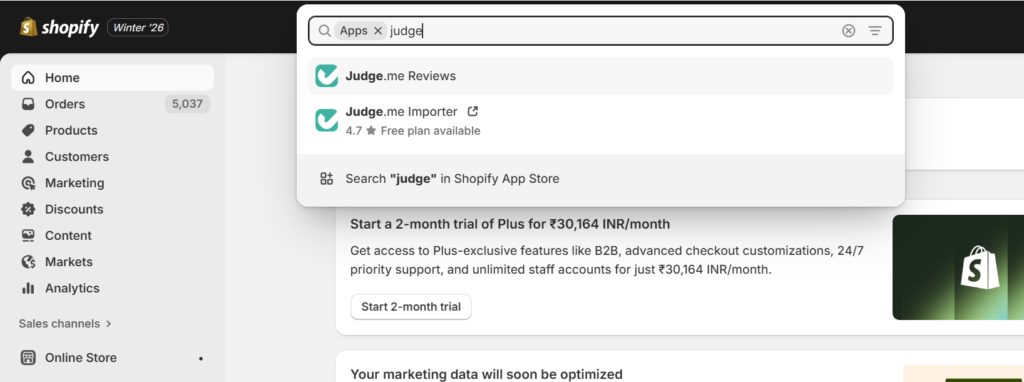
let’s see how to download judgeme form shopify store step by step with the screenshot form the screenshot you can understand easily and you relate like yes this is here like this so,

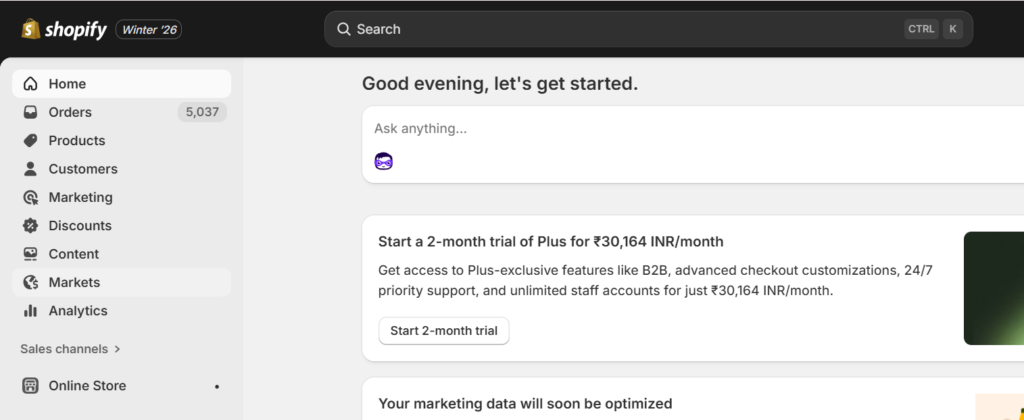
Go to your shopify store

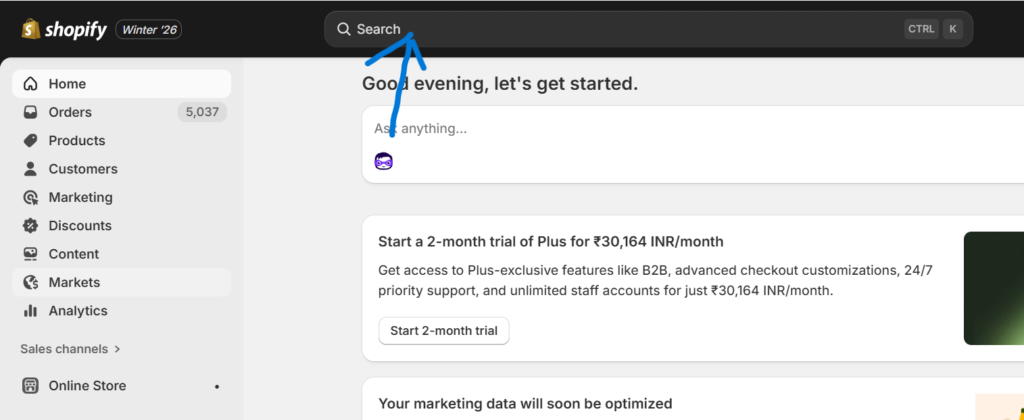
At the search bar you see App click on it

And then enter Judge.me

Click on the judge.me Reviews and install it automatically in your store .

So these are the steps you need to follow during the installation.now start the main part how to use judgeme how you can add reviews on your product through this app , in this article you see only the adding part like how you can add reviews and images on your product. So let see the proper format, what kind of format judgeme support, go to your google sheet and open a new template and add in the column the flowing data.
Title , Body ,Rating , Review_date , Reviewer_name , Reviewer_email, Product_url, Picture_urls
If you don’t understand don’t worry follow the following sheet format copy it this is the format that judgeme support.
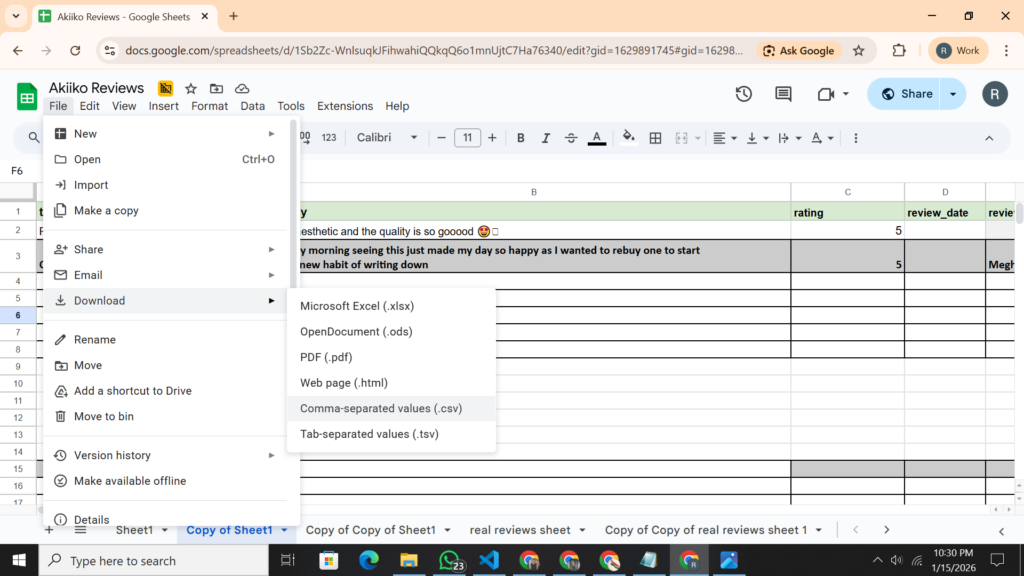
When you add your reviews in that format then download it in .csv extension in the following image you see how to download the .csv format because judgeme support .csv extension

When you download it then open judgeme.

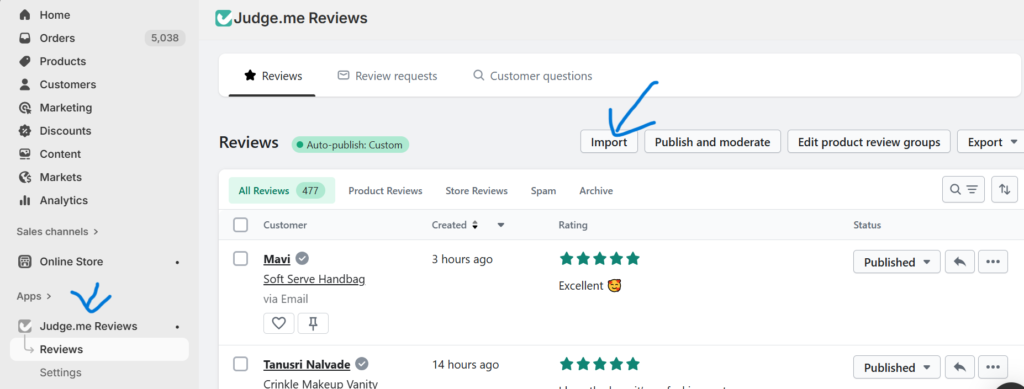
Go to reviews

And then click on import follow the following image

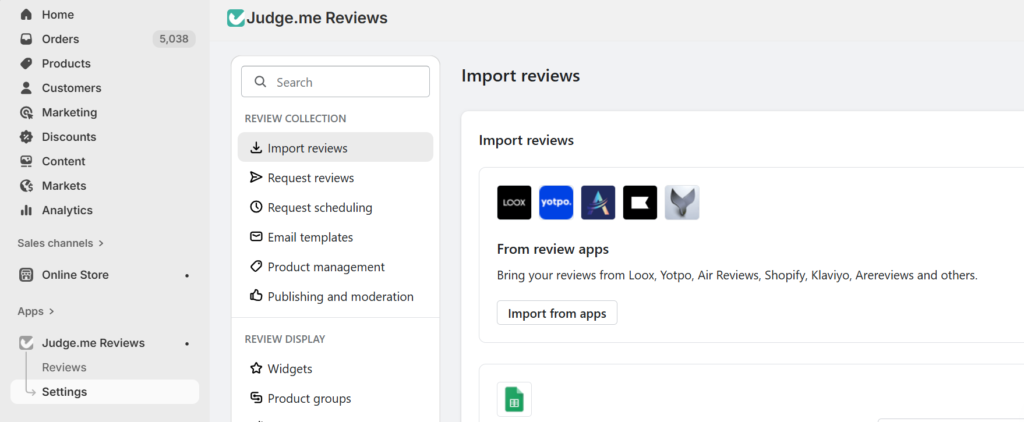
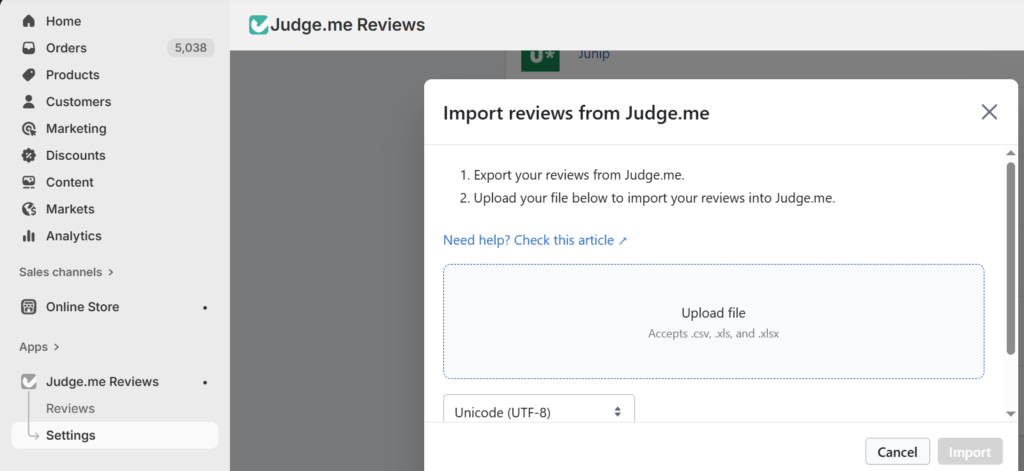
When you click on the import then click on import form app
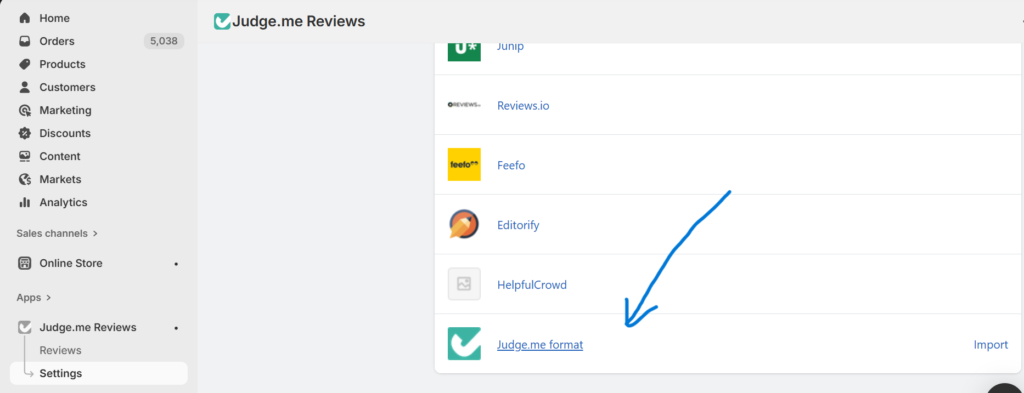
When you click on import  form app go to very buttom you see judge.me
Click on it and add you .csv file on it and click on import your all review are add in your product .

Faq's

1 . Can you add reviews on shopify?
Ans: yes, you can add reviews on shopify. Judgeme is the best app through judgeme you can easily import your reviews.

Conclusion

If you are confuse like how to add the reviews in product if you see inside the sheet you have a option of product url there you past you particular url and the review add on that product same as image add the url of that image and that image add on you product as a image reviews

Leave a Comment